What Counts as a Share (Send, Other Apps, Copy Link, Repost)
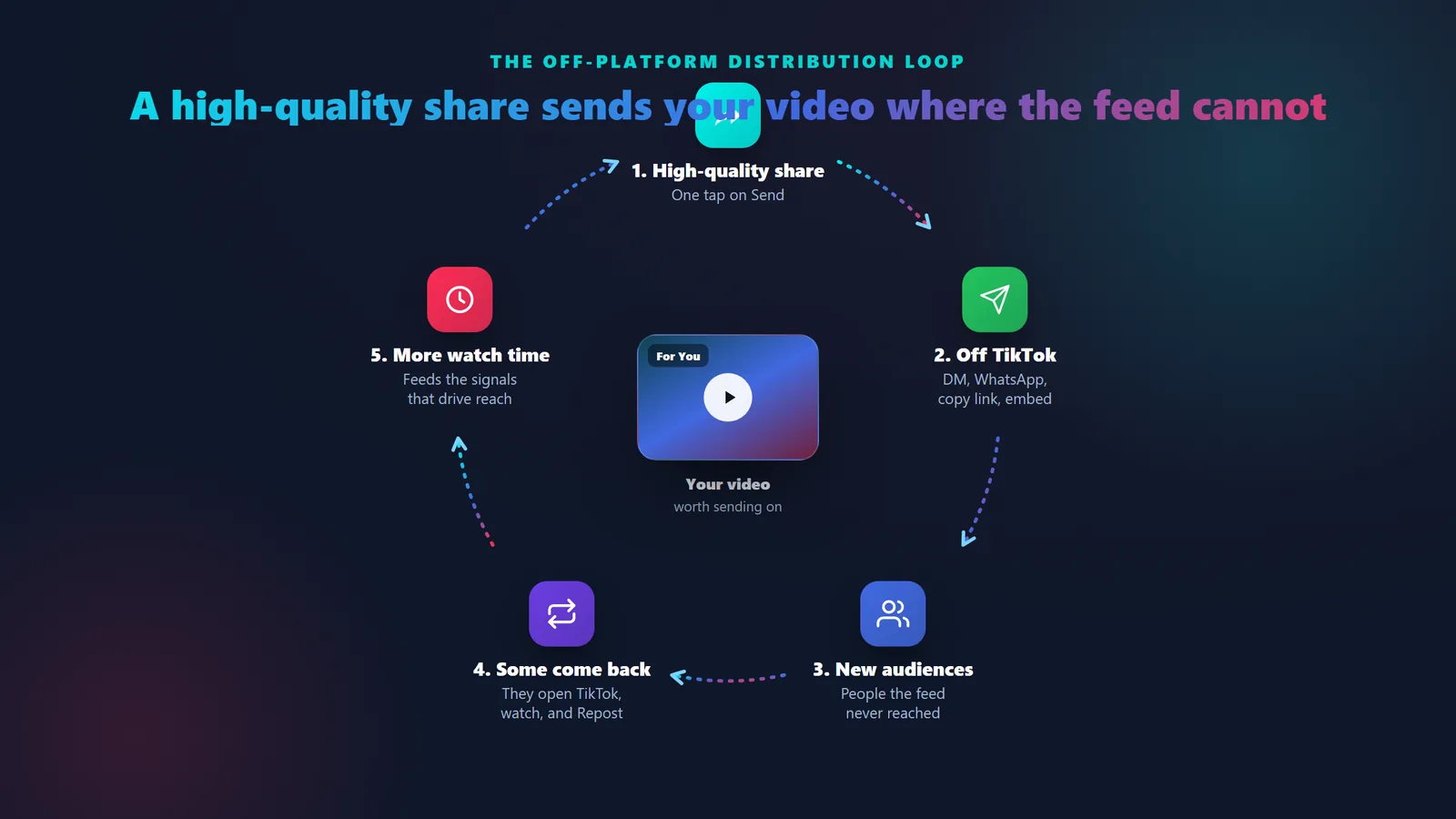
Get clear on what a share is before you spend a dollar, because it does a completely different job from every other number on your account. A share is the one action that moves your video off the For You feed. When a viewer taps the share arrow, TikTok opens the share panel and offers a row of ways to pass it on: Send to friends in a direct message or group chat, push it to another app like WhatsApp or Messages, Copy link, grab an embed code for a website, or Repost it.
Two distinctions matter. A Repost pushes the video into the For You feeds of your own followers, labeled with your name, so it stays on TikTok but reaches a new audience. A save or Add to Favorites is a private bookmark for the viewer; it is not a share at all. Everything else on that panel sends your video somewhere a stranger scrolling the feed would never have found it.

A share is the only action that carries your video off the feed. It is a personal recommendation, "this is worth sending", delivered straight into someone's chat or another app.
What a share is
- An act of distribution, the one signal that travels off TikTok into chats and other apps.
- A personal recommendation, a high-quality account deciding your video is worth sending on.
- Social proof, a healthy share count tells the next viewer the video is worth passing along.
What a share is not
- It is not a like. A share is effort and intent, not a one-tap vote of approval.
- It is not watch time, the signal TikTok weighs most heavily for reach.
- It is not a ranking lever you can pull, and it is never a guarantee of virality.